Image Masking Services
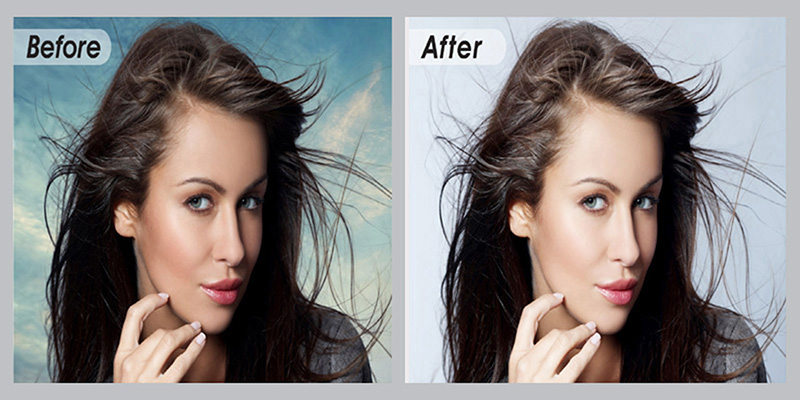
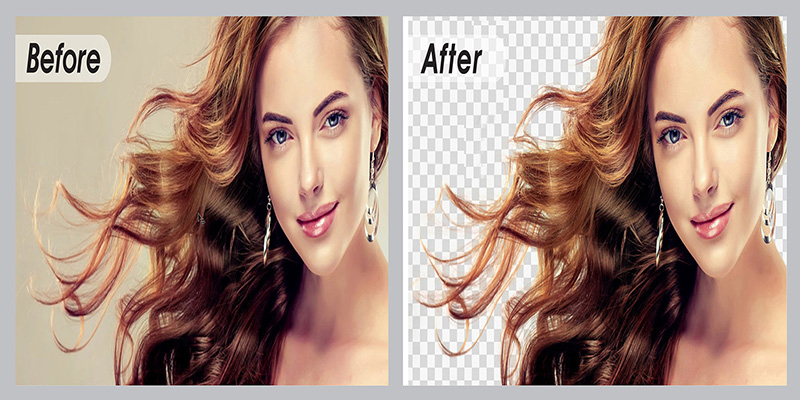
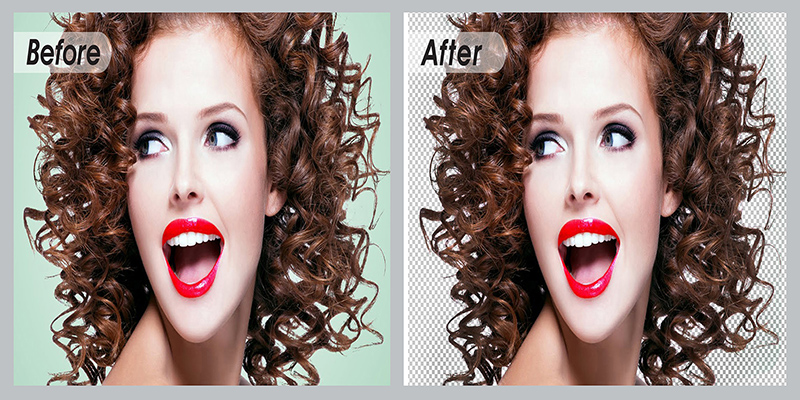
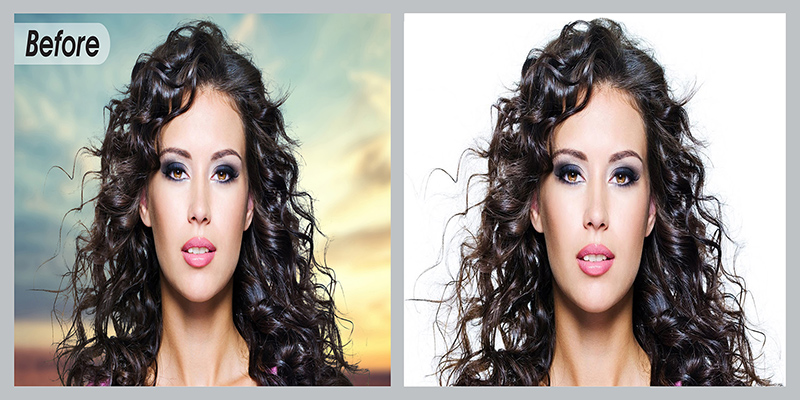
Among others, Photoshop image masking is used with path clipping techniques to knockout the background of complex images to be placed for advertisement displays in e-commerce website or catalogs. Photoshop masking, as a photo editing service is further useful when clipping path alone is not adequate on hair, fur, or semi transparent or translucent images like glasses, feathers, smoke, flames, highlights, lighting, chiffon, muslin, etc.
Photoshop Image Masking Service Categories:
Layer Masking:
High quality manual Photoshopping by hand. Masks are applied directly to layer using soft & refined edge with pen tablet. Use it to remove background or isolate object. Price may vary based on complexity & time needed.
Fur & Hair Masking:
Separate hair & fur from background, pen tablet for soft edge, etc. If needed, we apply color, brightness, contrast, exposure correction, etc. to make objects natural. Photo Masking is more effective than clipping path on hair.
Alpha channel Masking:
Separating object from background, we save it as Alpha Channel to edit brightness, contrast, exposure, etc. later. Its file size is lighter for uploading/downloading. Single colored background is perfect for this photo masking.
Refine Edge Masking:
Selecting an image by Quick Selection tool in Photoshop, we apply Layer Mask & Refine Radius tool to make the soft edge. It makes hair, fur, furry doll, blanket, fabrics, animals, trees, etc. images more natural.
Transparent object Masking:
The objects glass, car glass, regular spectacles, glass bottle, water, etc. have 0%-5% opacity & light can pass through it. To retain transparency & make visible color or background through objects, this making is applied.
Translucent object Masking:
Sunglasses, frosted glass & paper, plastic bottle, fabrics like muslin, bridal veil, etc. are translucent objects with 5%-100% opacity get the service. Little light pass through the objects & images are fuzzy to identify.
Object Masking:
In Object masking, unsuitable part of an image is selected with the quick selection tool and then removed by applying masking using the layer mask. Object masking is very much useful for removing deformations of images.
Color Masking:
To avoid the hollow line, cutting an image just across the edge or outline instead of 1 or 2 pixels inside is color mask. The designers later apply various effects like color & exposure correction, retouching, etc.